
Download DVD to DIVX VCD Ripper – DVD Converter, Video Ripper, AVI, DIVX, VCD, SVCD, MPEG1, MPEG2
Overview
DVD to DIVX VCD Ripper is a specialized utility designed for users seeking to convert physical DVD content into digital formats suitable for playback on various devices. The application enables users to back up their DVD collections by converting them into widely supported formats such as DIVX, AVI, SVCD, VCD, MPEG1, and MPEG2. This functionality addresses the growing need for digital media preservation, particularly as physical media becomes less accessible over time. The app is especially beneficial for individuals who want to maintain high-quality video and audio during the conversion process, ensuring that the output remains faithful to the original source.
Target users include home media enthusiasts, digital archivists, and individuals managing personal video libraries. The software supports customizable settings for audio language and subtitles, making it ideal for multilingual households or users who prefer specific audio tracks. Additionally, the inclusion of NTSC and PAL format options allows for regional compatibility, supporting users across different geographic markets. Although the developer did not provide additional technical details, the app’s focus on format flexibility and quality retention positions it as a practical tool within the broader media conversion ecosystem.
Despite its release date in 2004, the application continues to serve niche audiences who rely on legacy formats and require reliable ripping capabilities. Its continued relevance underscores the enduring demand for accessible, high-fidelity media conversion tools in personal computing environments.
Key Features & Functionality
- Multiple Output Formats: Supports conversion to DIVX, AVI, SVCD, VCD, MPEG1, and MPEG2, enabling compatibility with a wide range of playback devices and media players.
- High-Quality Conversion: Maintains original audio and video fidelity during the ripping process, preserving the viewing experience across converted files.
- Customizable Language Options: Allows users to select preferred audio tracks and subtitle languages before conversion, enhancing accessibility for multilingual users.
- NTSC/PAL Format Support: Offers format selection based on regional broadcast standards, ensuring compatibility with local playback systems.
- Processor Optimization: Designed to run efficiently on both Intel and AMD processors, reducing conversion times and improving overall performance.
For example, a user with a DVD collection in multiple languages can use the app to extract a version with English audio and subtitles, suitable for sharing with family members. Another user may convert a PAL-region DVD to NTSC format for playback on a North American device. The ability to choose between formats also allows users to balance file size and quality—SVCD for better quality with moderate size, or VCD for minimal storage usage.
These features collectively make the app a practical solution for users who prioritize control, compatibility, and quality in their digital media workflows.
Interface, UX & Performance
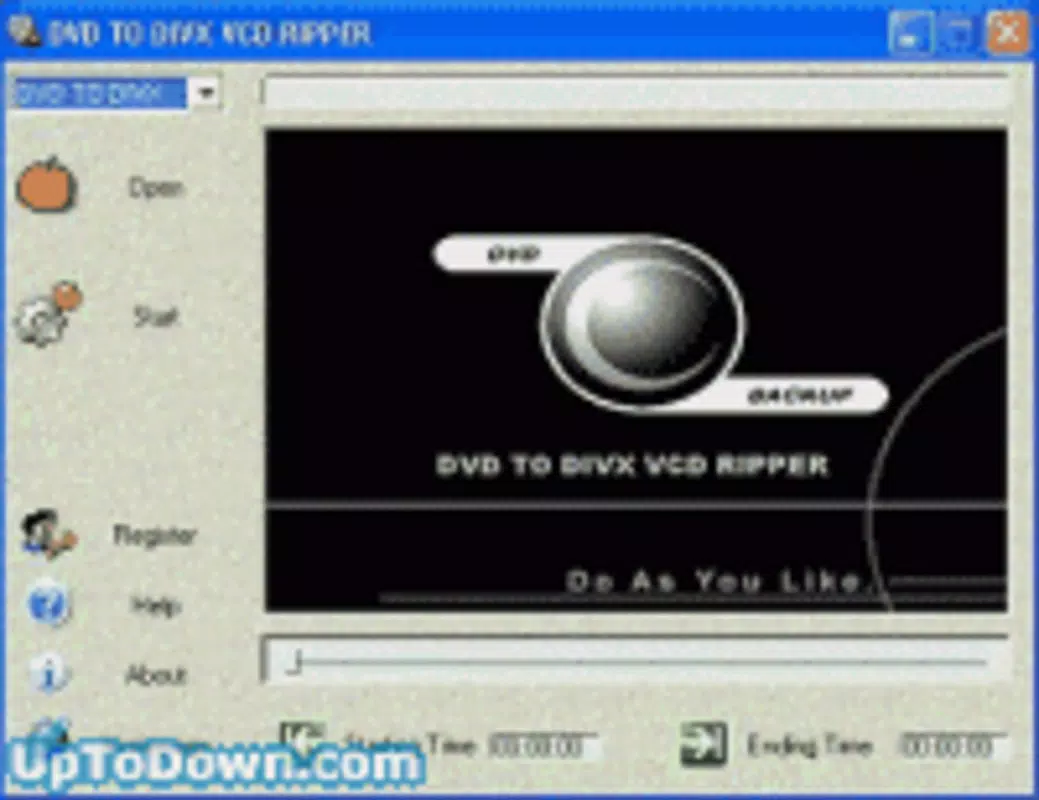
The user interface of DVD to DIVX VCD Ripper appears to be designed with functionality over aesthetics, focusing on accessibility and ease of use for non-technical users. Navigation is likely structured around a step-by-step workflow: inserting the DVD, selecting output format, choosing audio and subtitle preferences, and initiating the conversion process. The layout probably includes clear labels, dropdown menus for format selection, and checkboxes for language and format options.
Although the developer did not list formal performance metrics, the app’s optimization for Intel and AMD processors suggests an effort to ensure smooth operation across different hardware configurations. Users may experience varying performance depending on their system’s processing power, memory, and DVD drive speed. However, the software’s ability to handle multiple formats efficiently implies a stable and responsive execution environment.
Responsiveness during long conversion tasks may depend on background processing and system resource allocation. Stability is likely maintained through consistent handling of file input and output operations, minimizing crashes during conversion. For users working with older systems, the app’s lightweight design may contribute to reliable performance without excessive resource consumption.
Platform Compatibility & Technical Requirements
DVD to DIVX VCD Ripper is available for Windows-based systems, as indicated by its compatibility with Intel and AMD processors. The application was released on April 7, 2004, and remains relevant for users working with legacy hardware and software environments. The file size is not specified in the provided information, but given its nature as a media conversion tool, it likely requires a moderate amount of storage space for installation and temporary files during processing.
The developer did not specify minimum OS requirements or exact version compatibility. However, based on its release date, it is likely designed for Windows XP or earlier versions. Compatibility with modern Windows systems (e.g., Windows 10 or 11) is uncertain and may require compatibility mode or third-party emulation tools. Users should verify system compatibility before installation.
Pros and Cons
Pros
- Supports multiple output formats including DIVX, AVI, SVCD, VCD, MPEG1, and MPEG2.
- Retains high-quality audio and video during conversion.
- Offers customizable audio language and subtitle options.
- Includes NTSC/PAL format selection for regional compatibility.
- Optimized for both Intel and AMD processors, improving conversion speed.
Cons
- Release date is from 2004; may not be compatible with modern operating systems.
- Specific system requirements were not listed.
- File size and installation details were not disclosed.
- No official updates or support available since release.
- Interface design may appear outdated by current standards.
FAQ
Is DVD to DIVX VCD Ripper safe to download and use?
The safety of the application depends on the source. Users should only download from trusted platforms to avoid malware or bundled software.
Can I use this app on Windows 10 or Windows 11?
Compatibility is not guaranteed. While some older applications may run in compatibility mode, this is not officially supported.
Does the app support Blu-ray discs?
No, the app is specifically designed for DVD conversion and does not support Blu-ray or other optical disc formats.
Are there any updates available for this software?
As of the release date in 2004, no updates have been issued. The software is considered legacy and no longer maintained.
What should I do if the app fails to recognize my DVD?
Ensure the DVD is not damaged, the drive is functioning properly, and the disc is compatible with the system. Try restarting the application or checking for drive firmware updates.
Final Thoughts
DVD to DIVX VCD Ripper remains a functional tool for users who need to convert DVDs into legacy digital formats. While its age is evident in both design and technical compatibility, its core features—format flexibility, quality retention, and regional support—still offer value to niche audiences. It is particularly useful for individuals managing personal DVD libraries who require reliable, customizable ripping capabilities.
Despite limitations in modern system support and lack of updates, the app serves as a testament to the enduring need for accessible media conversion tools. For users with older systems or specific format requirements, it represents a practical solution. However, those using modern devices should consider alternative, actively maintained applications.
Download DVD to DIVX VCD Ripper now


